Webhook trigger
Lets another system (GitHub, Stripe, Slack, or your own code) push data into the app over HTTP. See Background triggers for what this node shares with every other trigger kind.
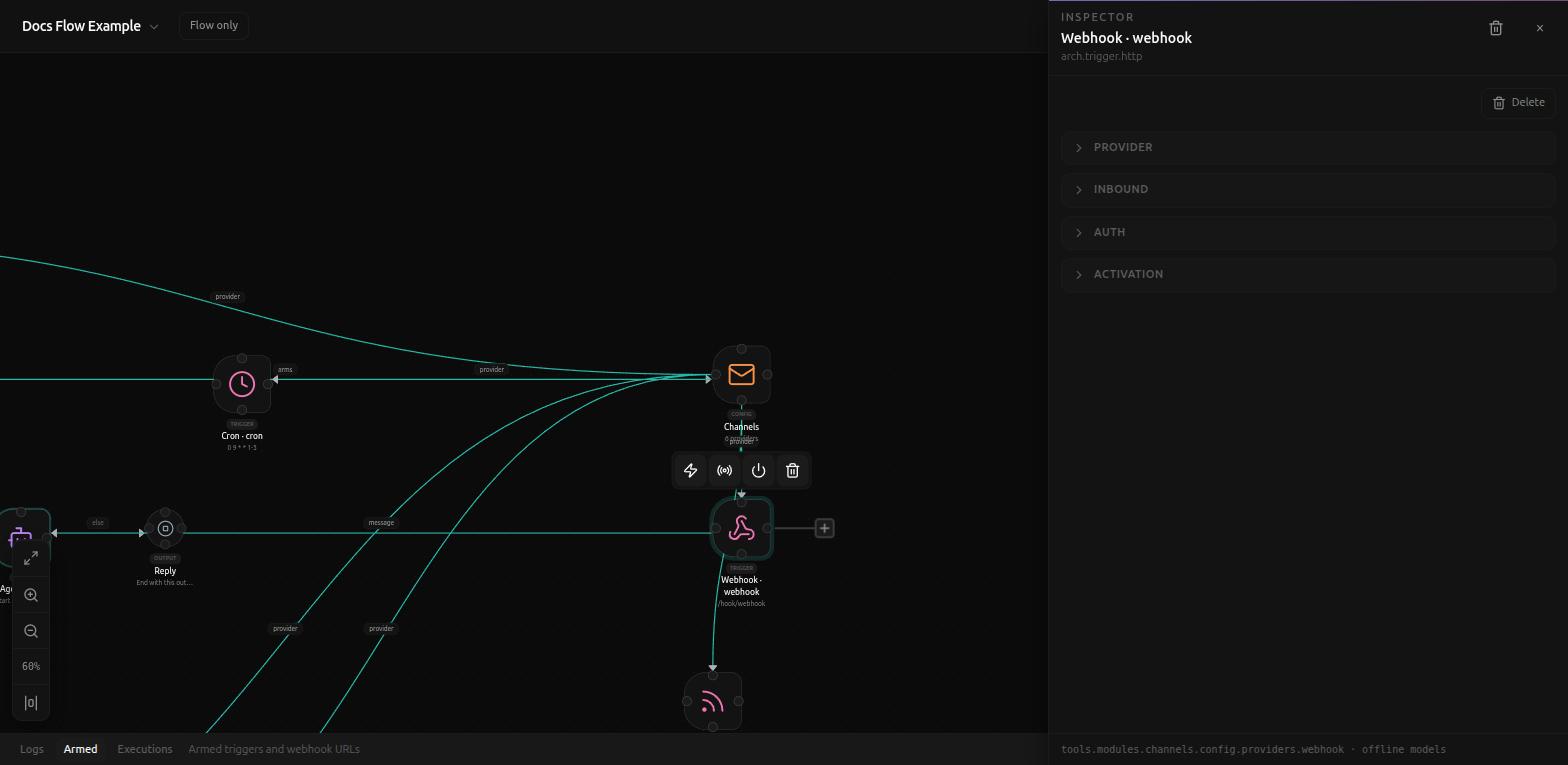
Provider
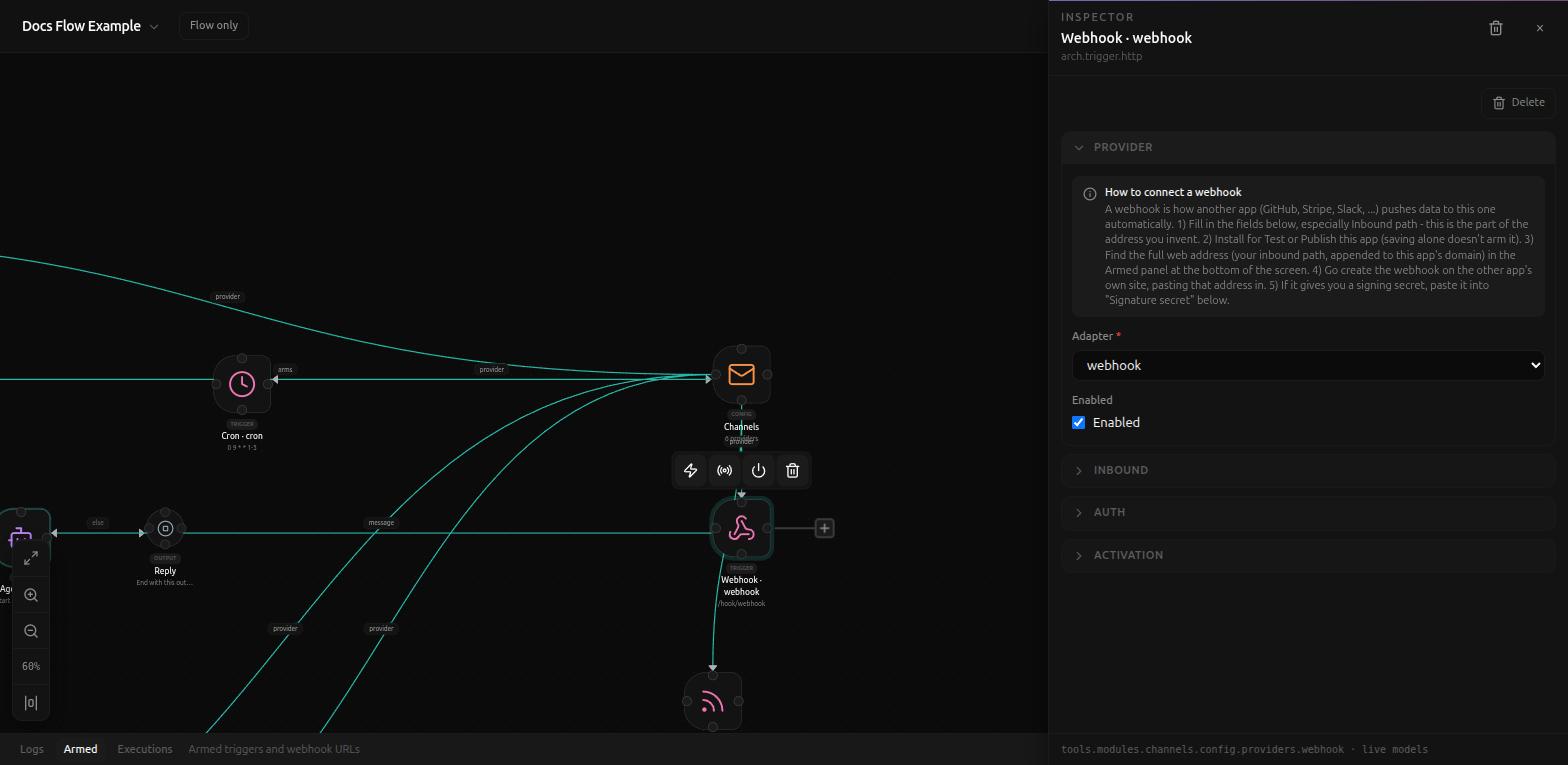
The Provider notice spells out the whole setup in five steps: "1) Fill in the fields below, especially Inbound path - this is the part of the address you invent. 2) Install for Test or Publish this app (saving alone doesn't arm it). 3) Find the full web address (your inbound path, appended to this app's domain) in the Armed panel at the bottom of the screen. 4) Go create the webhook on the other app's own site, pasting that address in. 5) If it gives you a signing secret, paste it into 'Signature secret' below."
Inbound
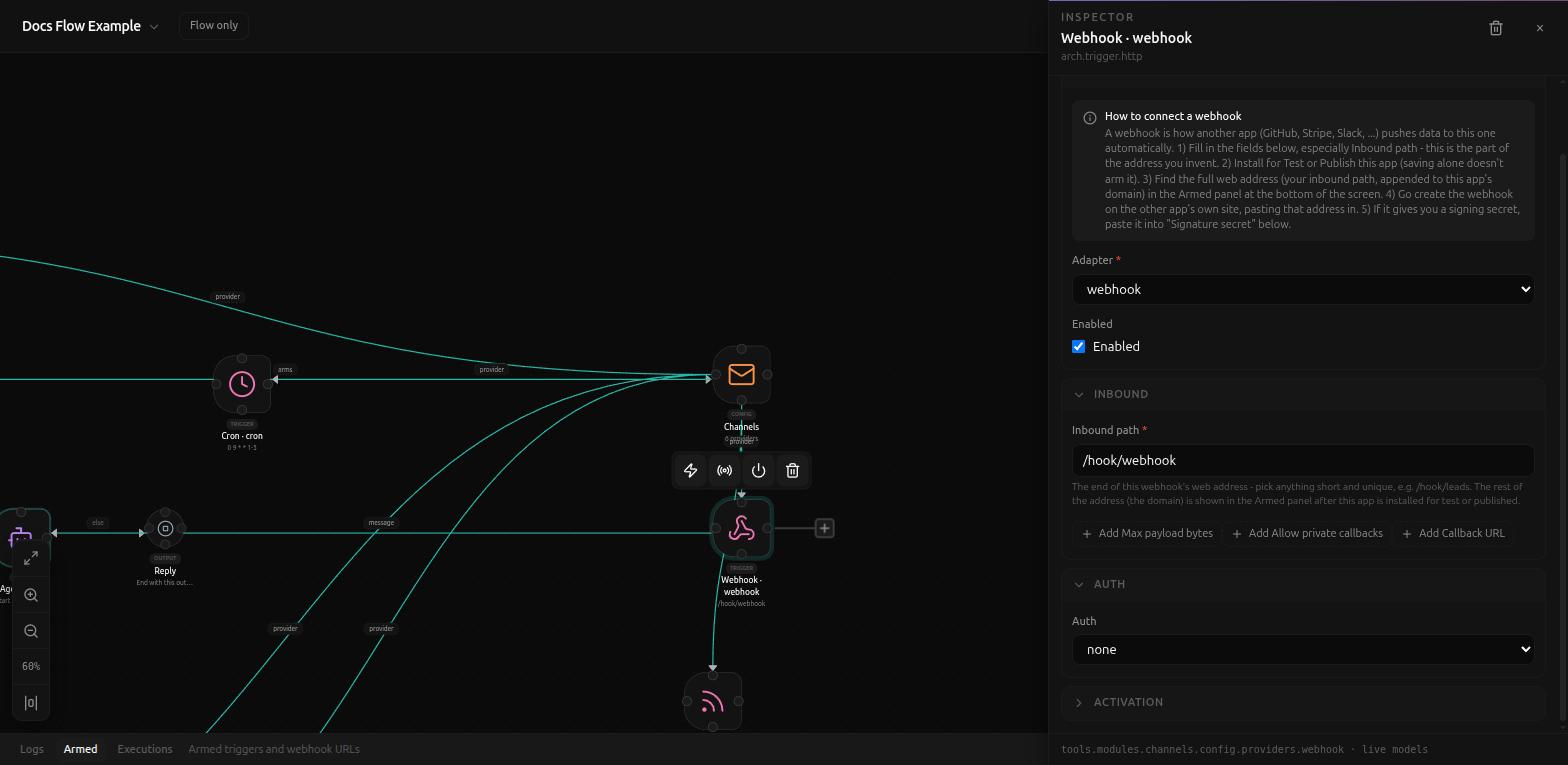
- Inbound path (required) - the part you invent, e.g.
/hook/leads. Defaults to/hook/webhook. Combined with this app's own domain (shown in the Armed panel once installed), this is the full URL the sender posts to. - Max payload bytes, Allow private callbacks, Callback URL - optional, added via their own + buttons; left alone unless a specific sender needs them.
Auth
Auth defaults to none. Two other modes are available from the same
dropdown:
- api_key - adds a required API key field, e.g.
{{secret.WEBHOOK_KEY}}. - signature - adds a Sender dropdown (GitHub, or Generic) that picks the matching signature format automatically, plus a required Signature secret.
Picking a known sender under signature swaps in that sender's own setup
notice. GitHub's:
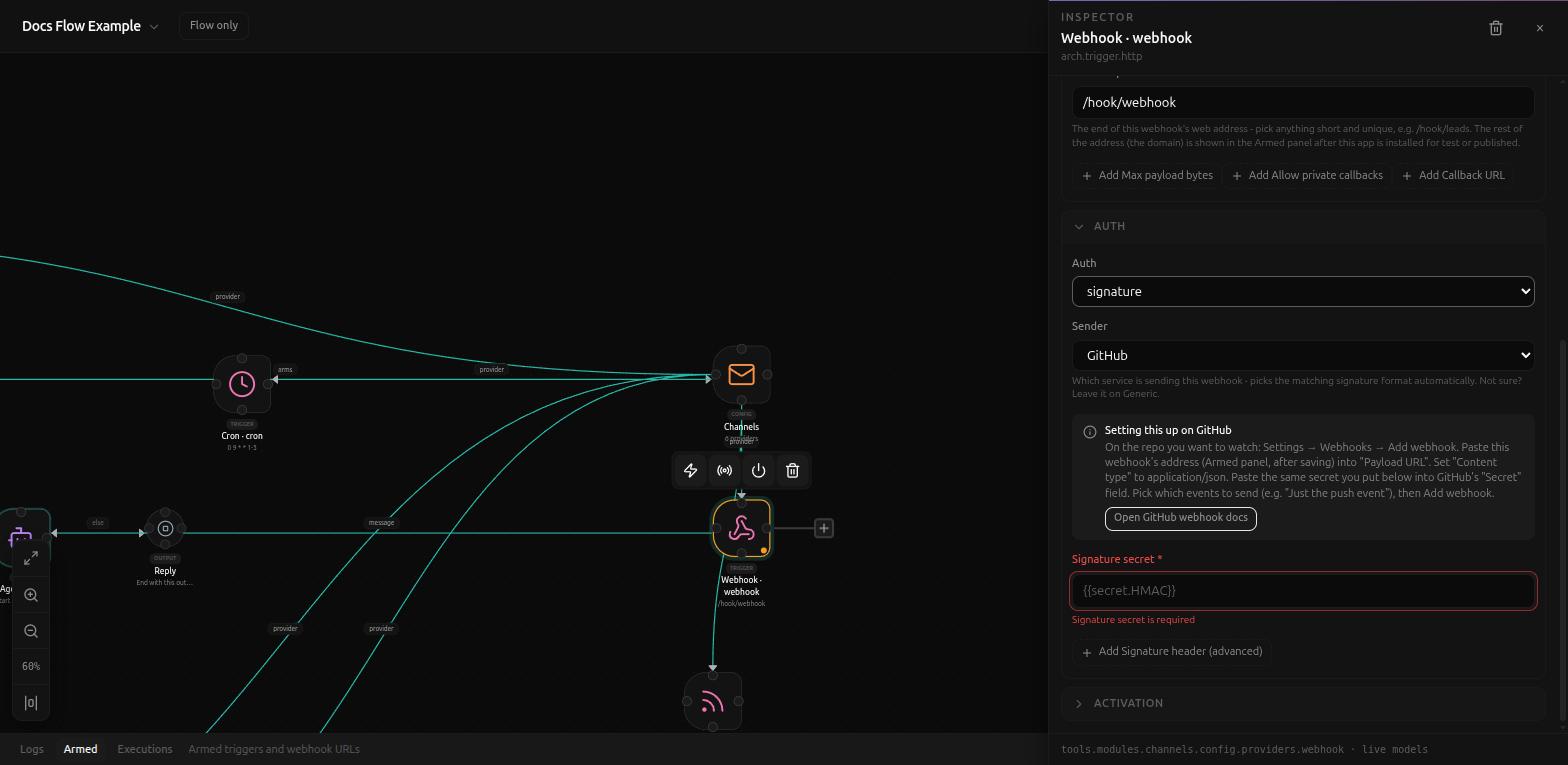
"On the repo you want to watch: Settings → Webhooks → Add webhook. Paste this webhook's address (Armed panel, after saving) into 'Payload URL'. Set 'Content type' to application/json. Paste the same secret you put below into GitHub's 'Secret' field. Pick which events to send (e.g. 'Just the push event'), then Add webhook." - with an Open GitHub webhook docs button alongside it.
Related
- Background triggers
- Connector trigger - for polling a third-party API instead of receiving pushes