RSS trigger
Polls a feed URL on an interval and fires the agent once per new item. See Background triggers for what this node shares with every other trigger kind.
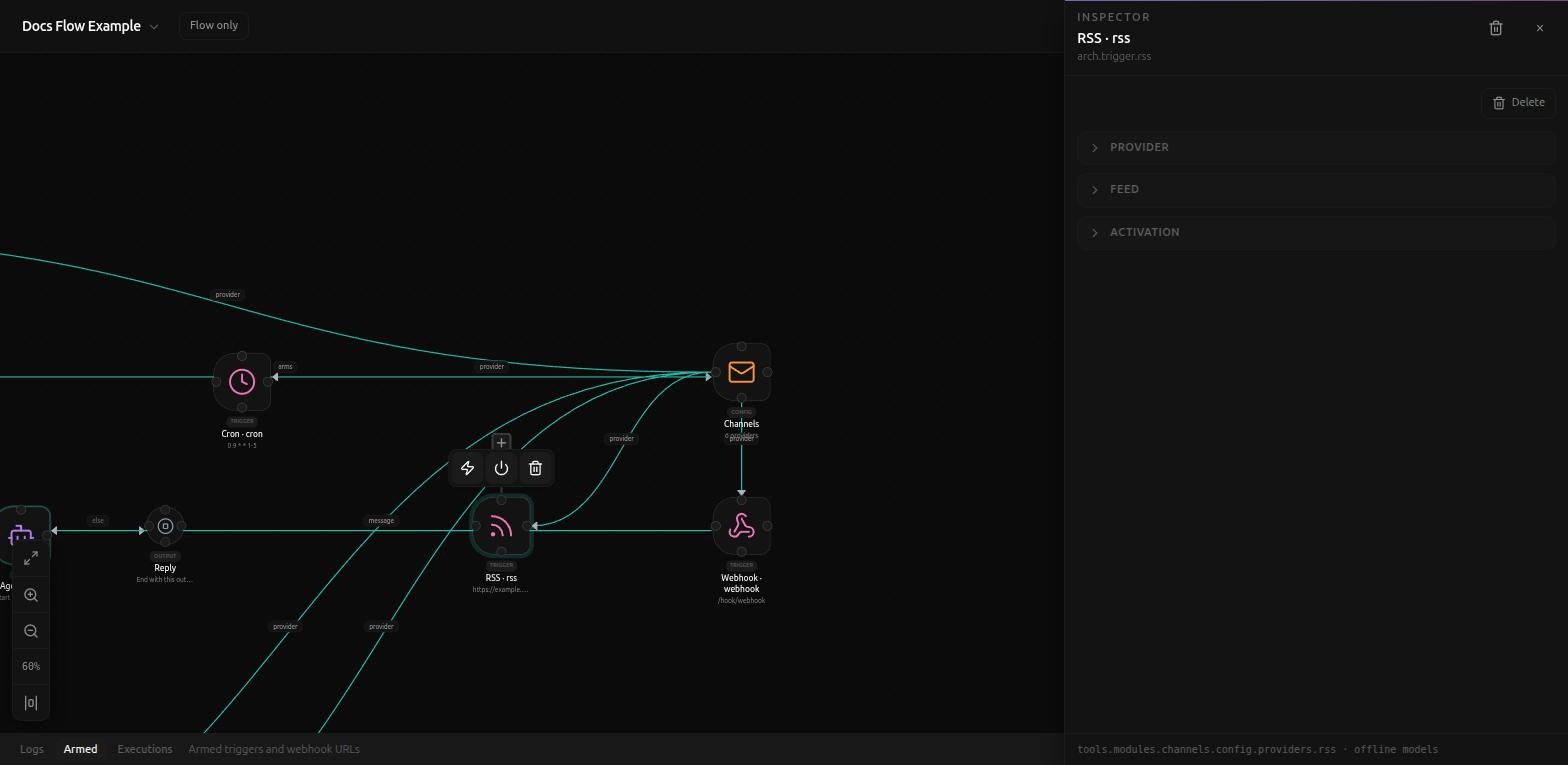
Feed
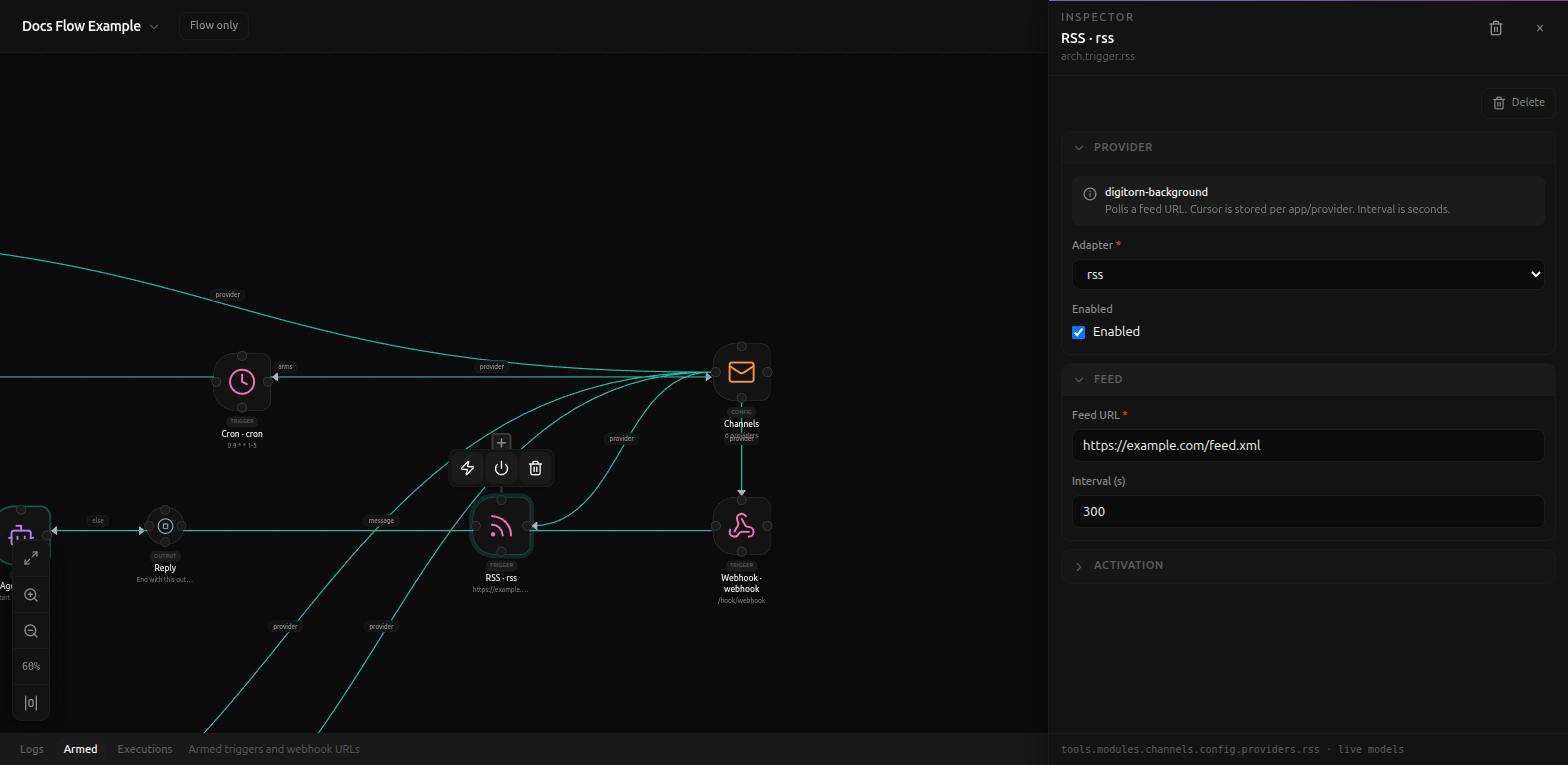
- Feed URL (required), e.g.
https://example.com/feed.xml. - Interval (s) (default
300) - how often the feed is checked. The Provider notice above these fields is direct about the mechanics: "Polls a feed URL. Cursor is stored per app/provider. Interval is seconds." Nothing arrives faster than this interval, no matter how often the feed itself updates.
Activation
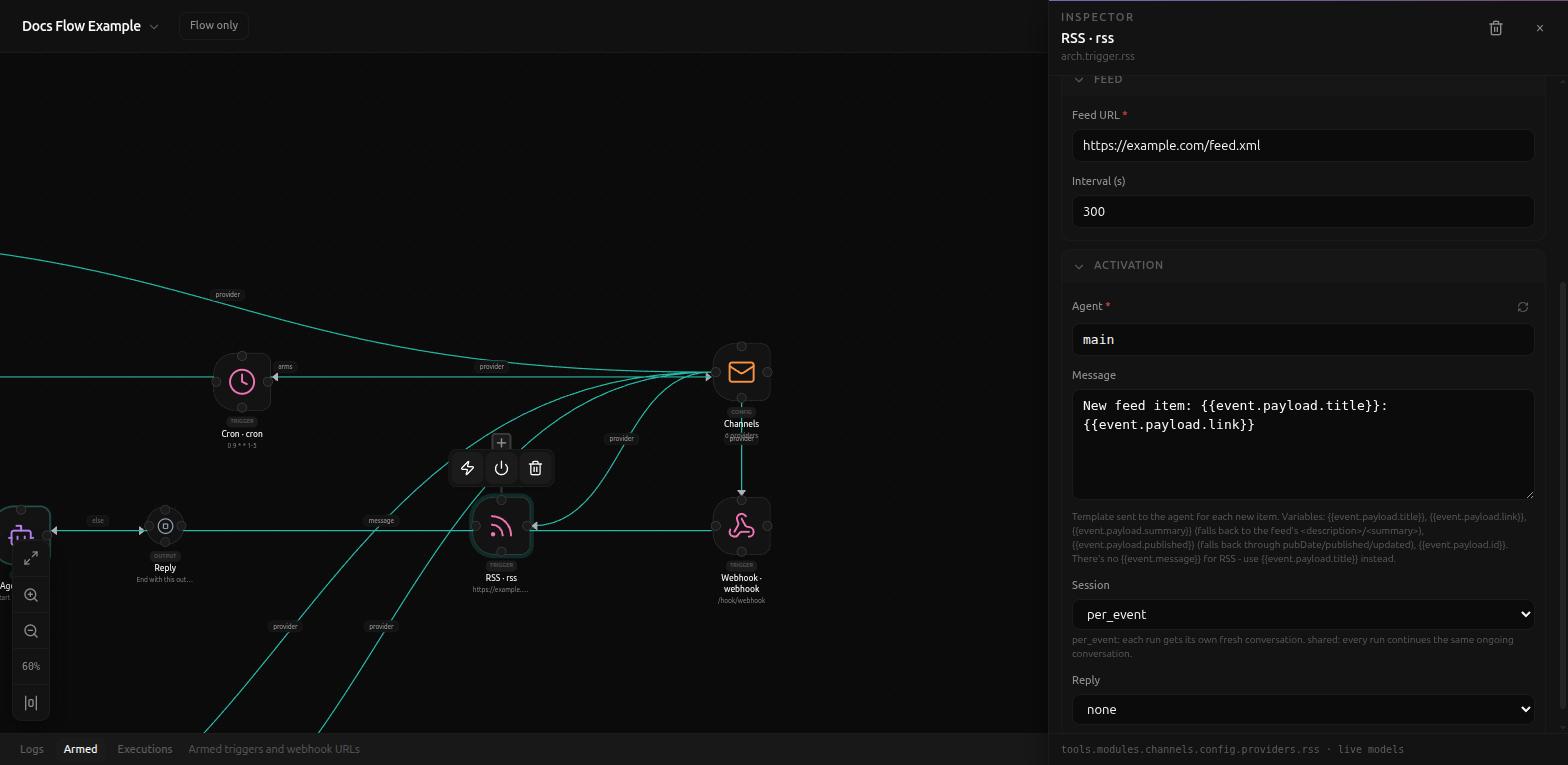
Same Agent/Session/Reply fields as every trigger (see
Background triggers). The
one field worth reading closely is Message, because RSS is the clearest
example of why its default differs per provider: there is no chat message
to relay, so the default template is
New feed item: {{event.payload.title}}: {{event.payload.link}}, and the
field's own help text says so explicitly: "There's no {{event.message}}
for RSS - use {{event.payload.title}} instead."
The full set of variables available:
{{event.payload.title}}{{event.payload.link}}{{event.payload.summary}}- falls back to the feed's<description>/<summary>.{{event.payload.published}}- falls back throughpubDate/published/updated.{{event.payload.id}}
Reply also defaults to none here, not auto - there's no chat thread on
the other end of an RSS feed to reply into.
Related
- Background triggers
- Connector trigger - also poll-based, but against a connected third-party account instead of a public feed URL