Telegram, Discord, WhatsApp triggers
Three separate trigger kinds, one per chat platform, but they share the same shape: a bot lives on that platform, someone sends it a message, this app's agent answers. See Background triggers for what all triggers share (the Channels module, the Provider/Activation pattern, Armed vs Installed).
All three give you {{event.message}} in Activation's Message field
for the incoming chat text - unlike Cron or RSS, which have no message to
relay.
Telegram
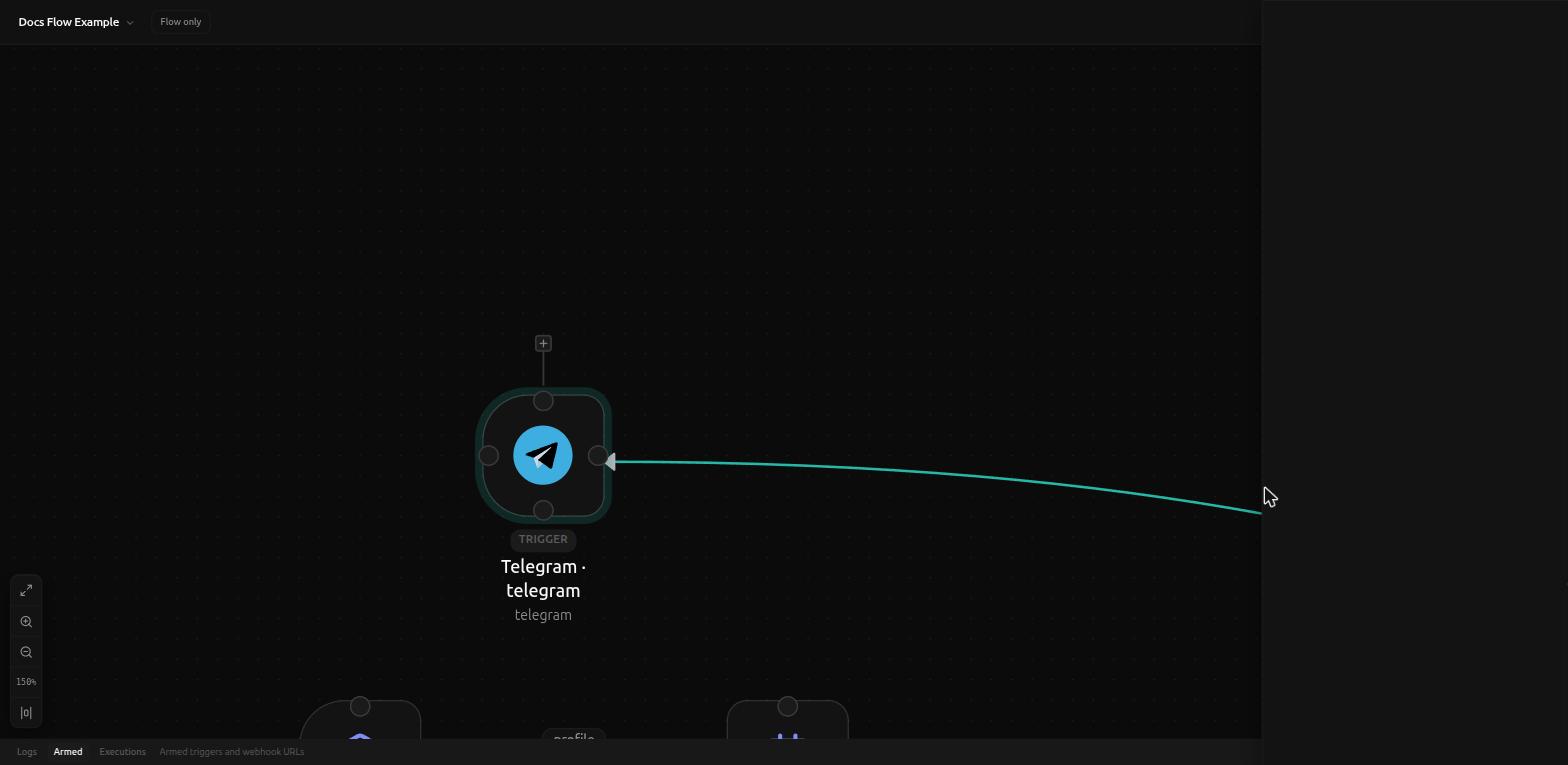
Delivery is long-polling (getUpdates), not a webhook - the Provider
notice says so directly: "Long-polls getUpdates. Put the bot token in env:
never commit secrets.", with an Open @BotFather button next to it.
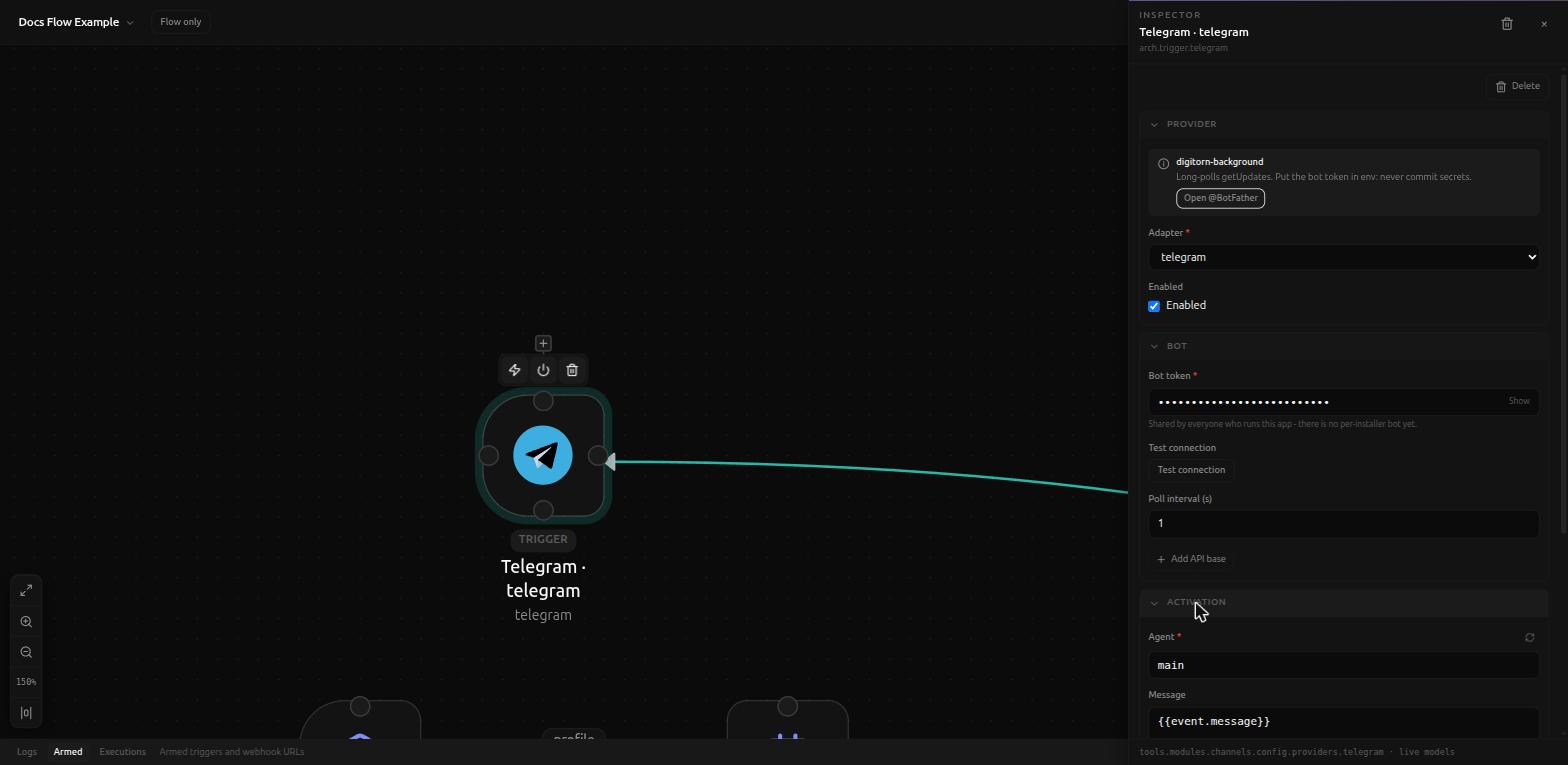
- Bot token (required, secret) - shared by everyone who runs this app; there's no per-installer bot yet.
- Test connection button.
- Poll interval (s) (default
1). - + Add API base (optional override).
Activation's Message defaults to {{event.message}}, with a longer help
text explaining the raw payload is also reachable when you need more than
the chat text: "{{event.payload}} is the raw Telegram Bot API Update
object - useful fields: {{event.payload.update_id}},
{{event.payload.message.chat.id}}, {{event.payload.message.from.username}},
{{event.payload.message.date}}. Telegram's own payload has no
message/text key at this level, so {{event.payload.message}} or
{{event.payload.text}} alone never resolve to anything - use
{{event.message}} for that."
Discord
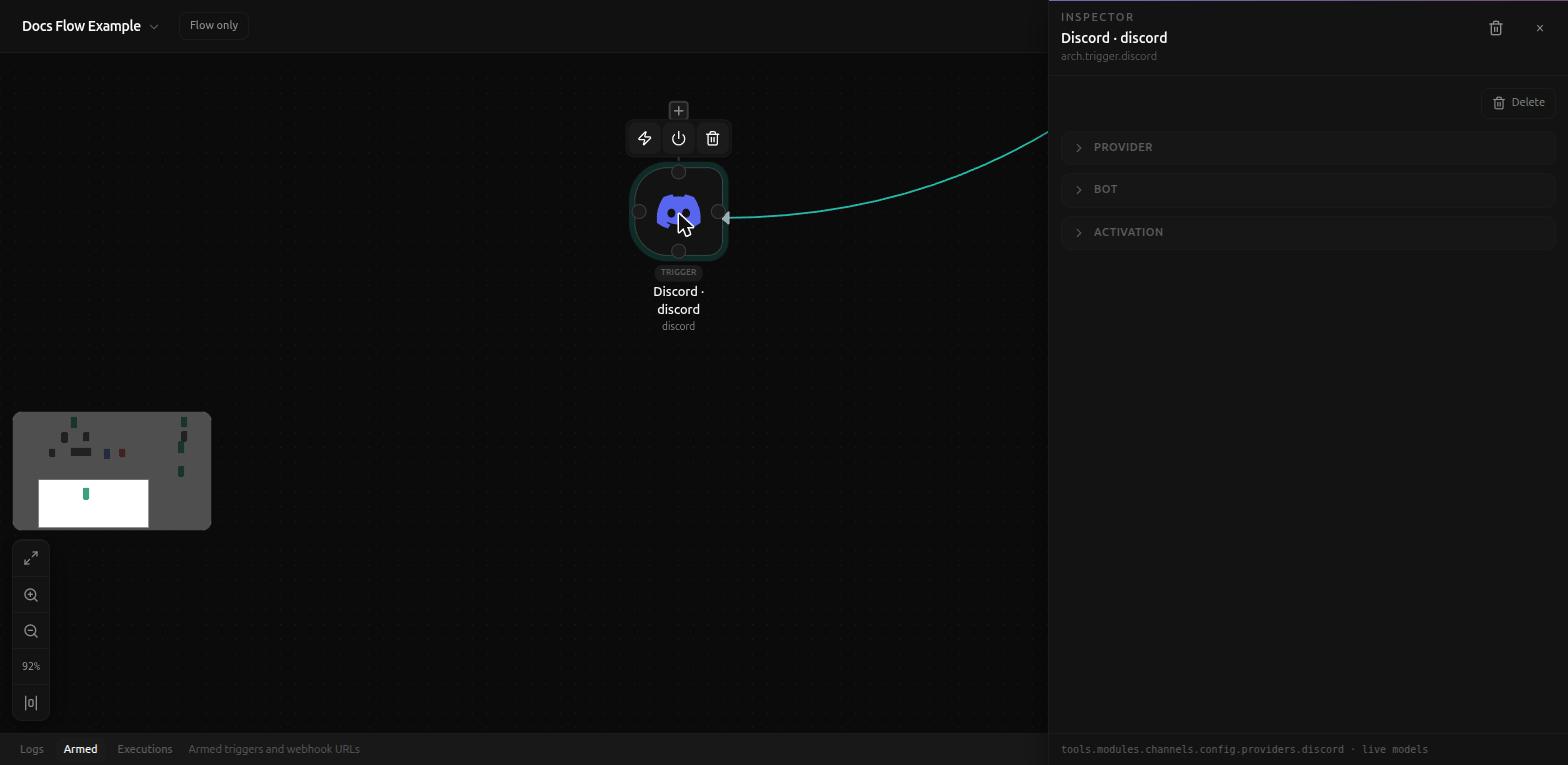
Also a gateway bot, token from the Discord developer portal, with an Open Discord Developer Portal button in the Provider notice.
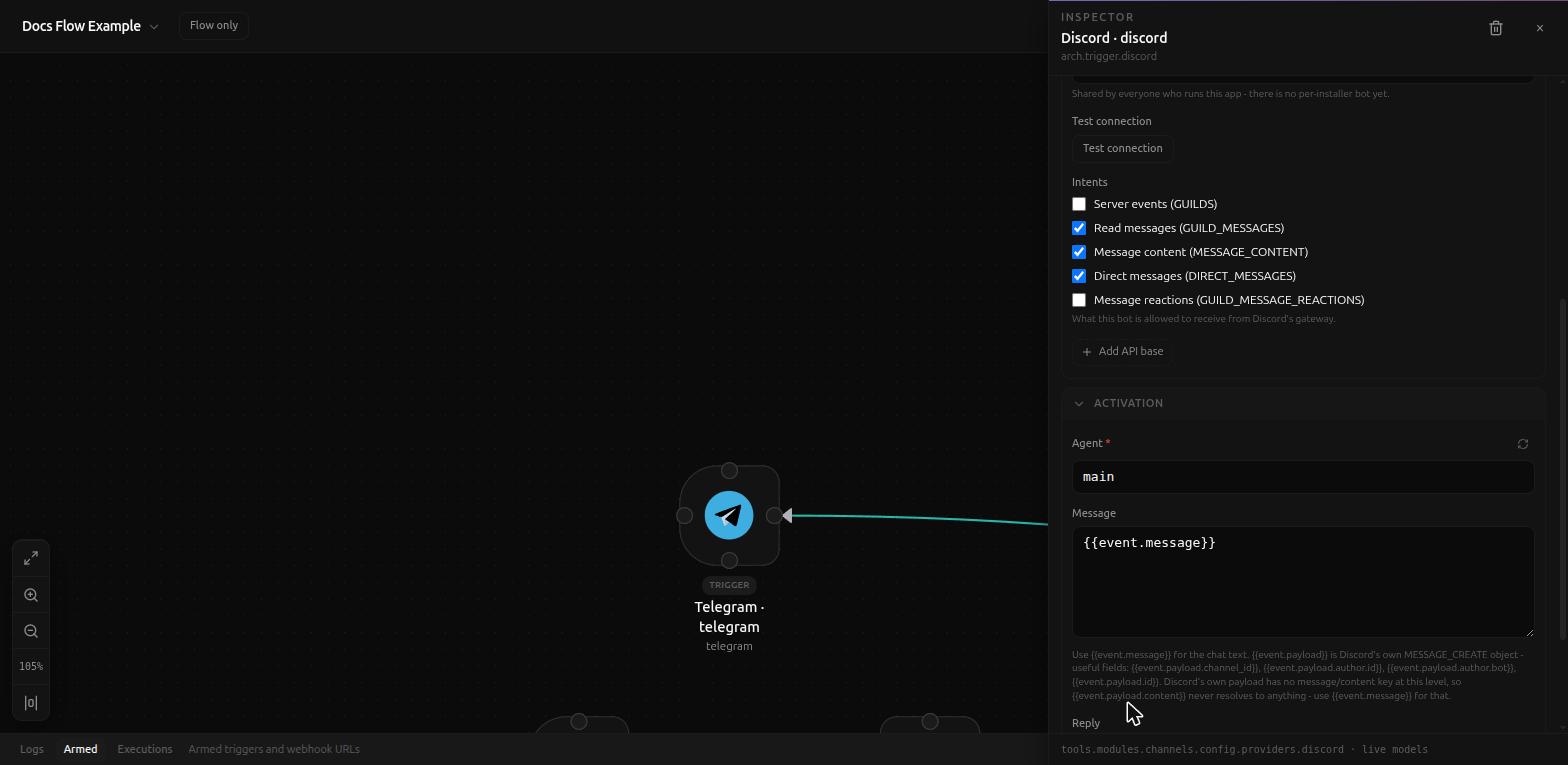
The distinct piece here is Intents - a set of checkboxes, not a raw bitmask, for what the bot is allowed to receive from Discord's gateway:
- Server events (
GUILDS) - Read messages (
GUILD_MESSAGES) - on by default - Message content (
MESSAGE_CONTENT) - on by default - Direct messages (
DIRECT_MESSAGES) - on by default - Message reactions (
GUILD_MESSAGE_REACTIONS)
Activation's Message default is again {{event.message}}, with the same
kind of raw-payload help text pointing at
{{event.payload.entry.0.changes.0.value...}}-style fields for anything
beyond the chat text - Discord's own payload has no message/content key at
top level either.
WhatsApp
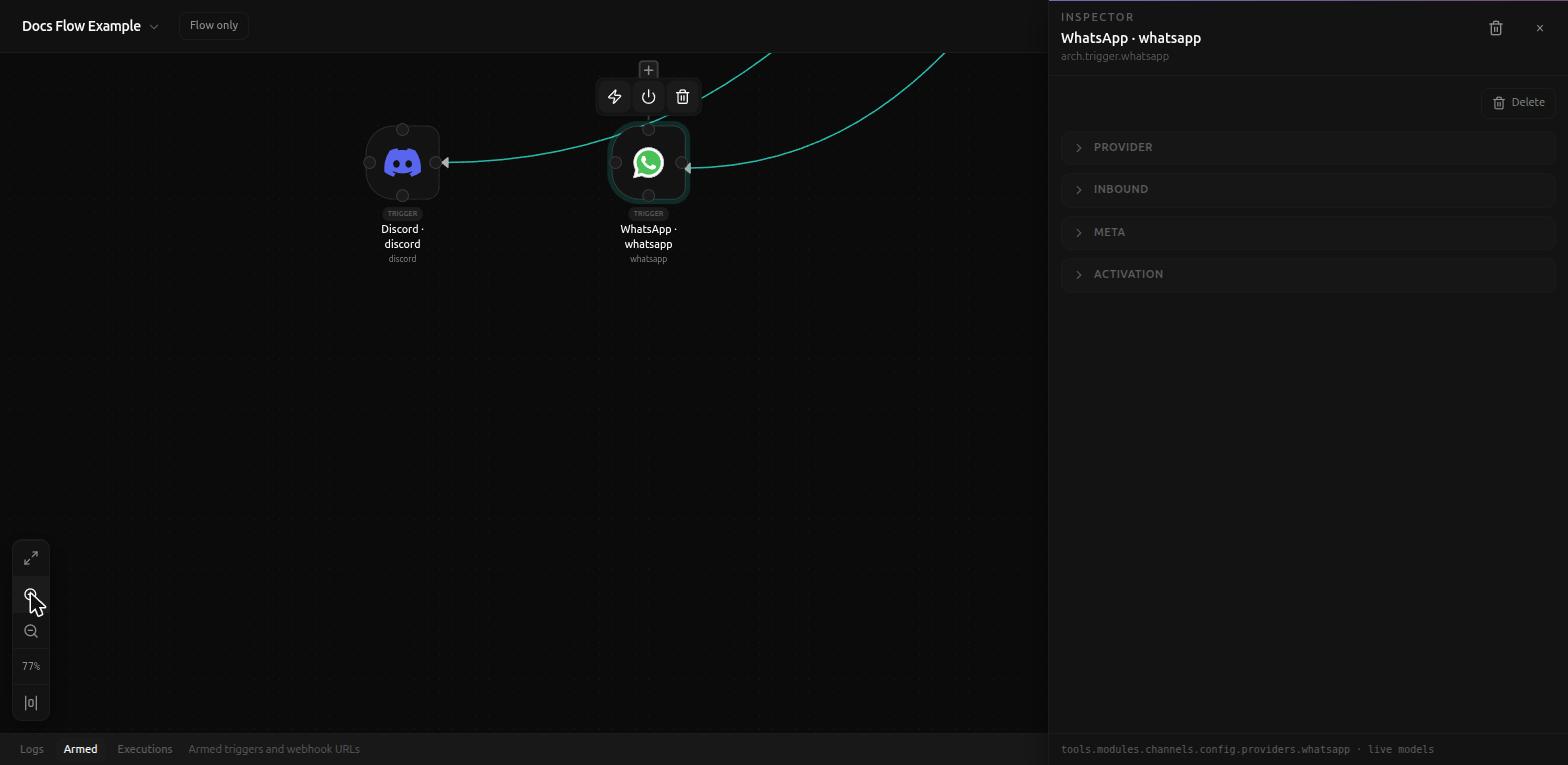
The odd one out: WhatsApp is delivered through Meta's Cloud API as an actual inbound webhook, not polling - closer in shape to the Webhook trigger than to Telegram or Discord. The Provider notice: "Meta Cloud API webhook. Verify token + app secret required for inbound."
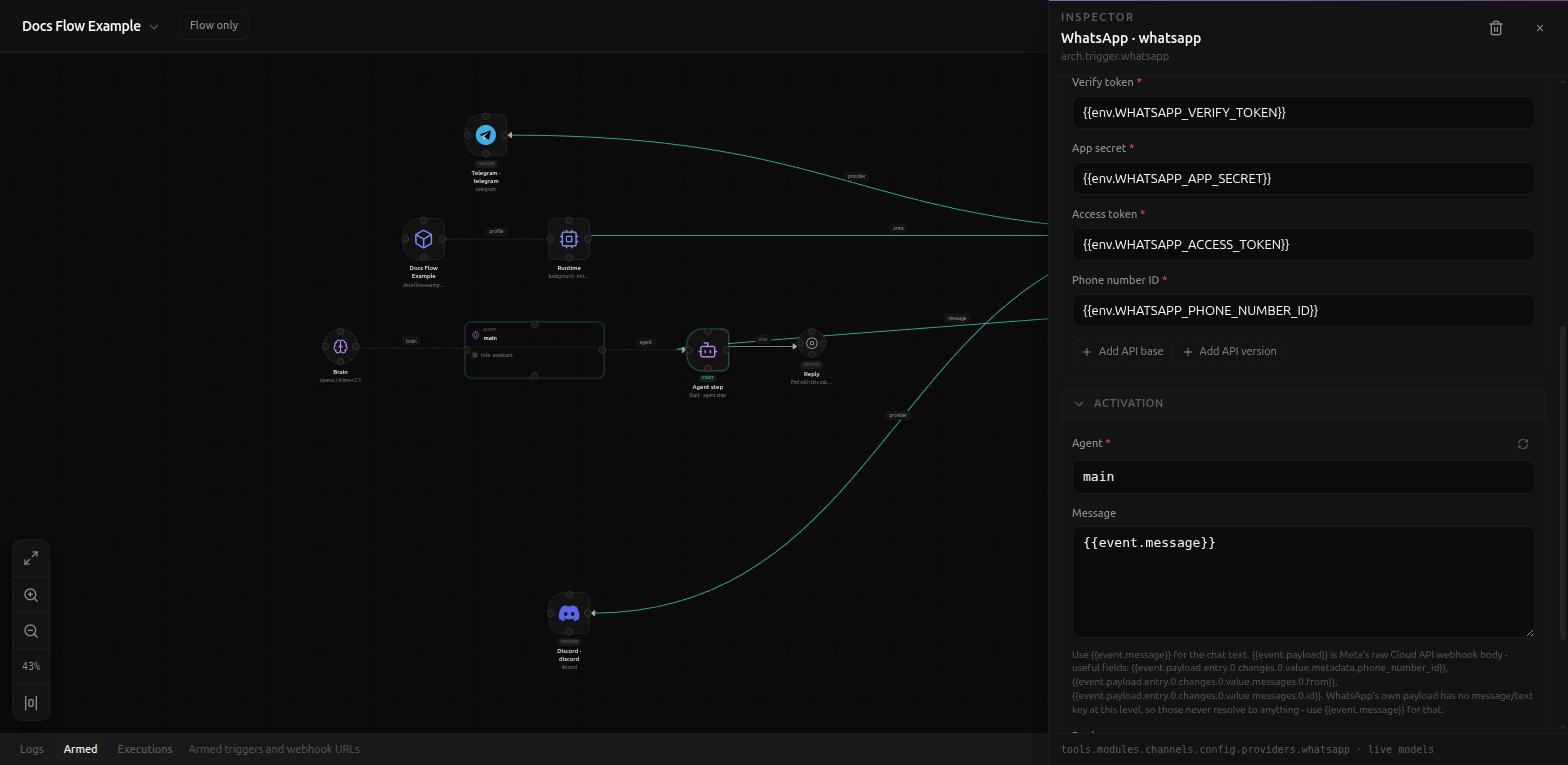
- Inbound path (default
/hook/whatsapp) - same idea as the Webhook trigger's own inbound path: this app's address that you paste into Meta's own webhook config. - Verify token (required) -
{{env.WHATSAPP_VERIFY_TOKEN}}. - App secret (required) -
{{env.WHATSAPP_APP_SECRET}}. - Access token (required) -
{{env.WHATSAPP_ACCESS_TOKEN}}. - Phone number ID (required) -
{{env.WHATSAPP_PHONE_NUMBER_ID}}. - + Add API base, + Add API version - optional overrides.
Activation's Message defaults to {{event.message}} here too, with raw
payload fields under {{event.payload.entry.0.changes.0.value...}} for
anything the chat text alone doesn't cover.
Related
- Background triggers
- Webhook trigger - the same inbound-path/auth pattern WhatsApp itself builds on